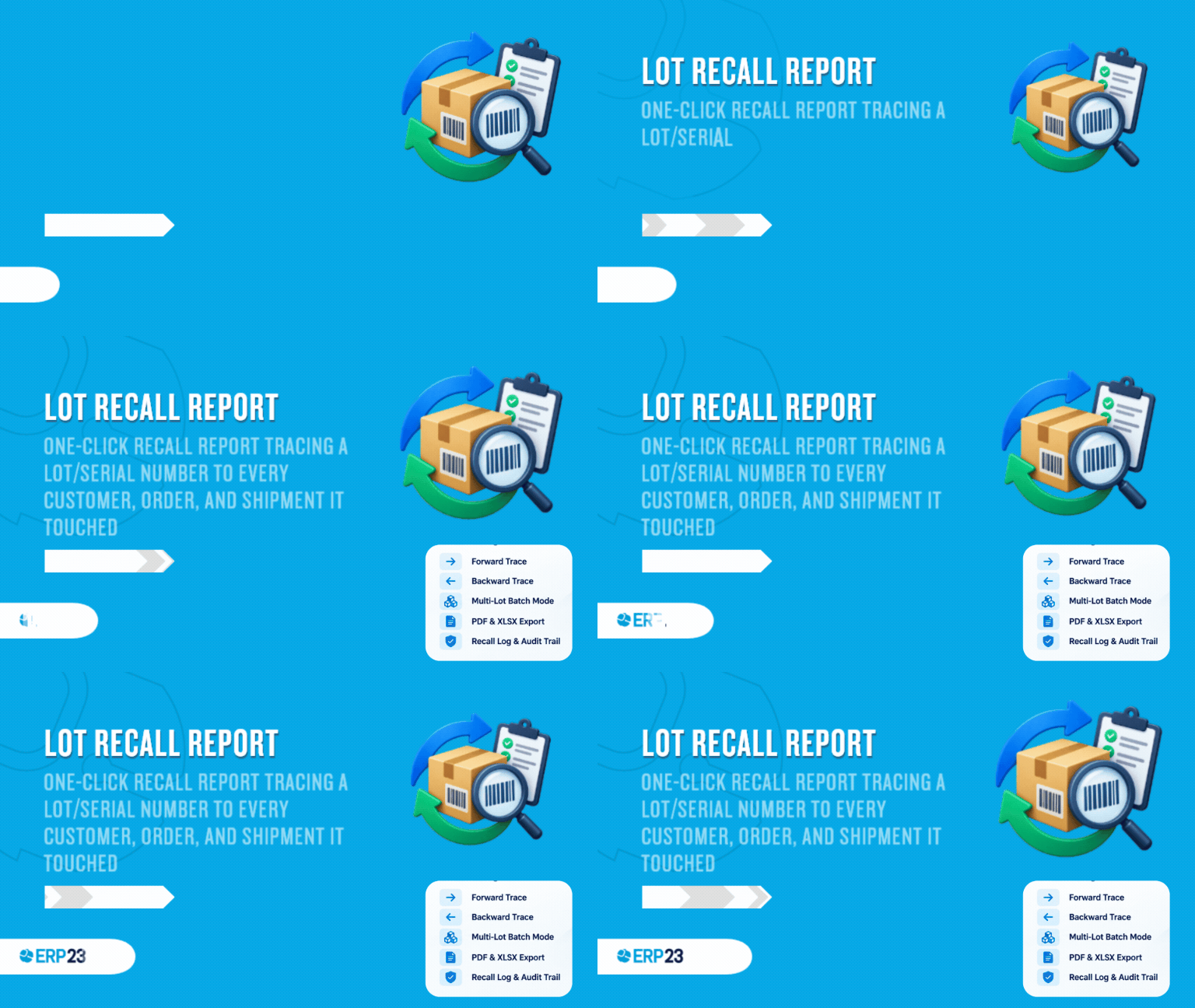
Key Features
Forward trace
- Every customer, sales order and delivery that received the lot
- Affected quantity and delivery dates at a glance
- Built from the same stock move data as Inventory > Traceability
Backward trace
- The vendor(s) and purchase order(s) that supplied the lot
- The manufacturing order that produced it, plus one level of component lots consumed
- Full upstream picture for root-cause investigation
Batch mode & export
- Trace several lots at once for an entire production run
- Print-ready PDF export for regulators and auditors
- XLSX export with separate forward/backward trace sheets
Description
What's included
 Recall Report record with a Draft → Generated workflow
Forward and backward trace dashboards with affected-quantity stats
"Fully traceable" indicator once every movement has been identified
One-click "Recall Report" smart button on every lot/serial number
Print-ready recall report PDF
XLSX export with Forward Trace / Backward Trace sheets
Searchable recall log for compliance and audit evidence
Dedicated access groups (User / Manager) and multi-company rule
Dependencies
InventorySalesManufacturingPurchaseDiscuss
Screenshots
1. Start from the lot/serial number record

2. A draft recall report is created for the selected lot

3. Generate Recall Report builds the forward & backward trace dashboard

4. Customer deliveries and origin lines, with affected quantities

5. "Fully traceable" confirmation once every movement is identified

| Versions | 19.0 |