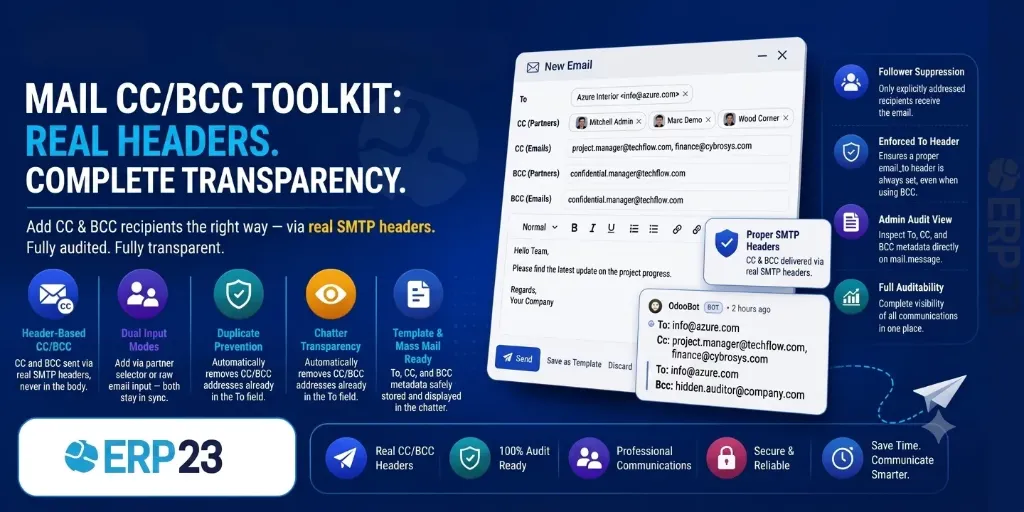
Key Features
Description
How It Works
Step 1: Compose Email
Open the email composer from any Odoo record and add CC/BCC recipients via the partner selector or raw email input.
Step 2: Automated Processing
The module computes effective To, CC, and BCC, deduplicates addresses, and sets proper SMTP headers on outgoing mail. BCC addresses are stripped from delivered MIME.
Step 3: Audit & Review
CC and BCC metadata is stored on the message and displayed in the chatter for complete transparency and auditability.
Screenshots
Select CC from Contacts

Partner selection widget for choosing CC recipients from your contacts.
Select Multiple CCs

Demonstrates selecting multiple CC recipients in the email composer.
Add Manual Emails

Raw comma-separated email input for adding CC addresses manually.
Mail Preview

Preview of the composed email with CC recipients properly displayed.
View To Emails in Tooltip

Shows the To recipients displayed in a tooltip view for quick reference.
Add CC & BCC

CC and BCC fields in the email composer with partner selector and raw email input.
View BCCs in Tooltip

Shows the BCC recipients displayed in a tooltip view using the eye-slash icon.
View CCs in Tooltip

Shows the CC recipients displayed in a tooltip view for quick reference.
| Versions | 17.0, 18.0, 19.0 |