Key Features
Everything happens on the trip: pick the deliveries, plan, dispatch, confirm and bill. The trip status follows the deliveries, and the only setup is a handful of cost types that ship with the module.
Planning & Dispatch
- Own vehicles with a driver, or hired vehicles with a transporter
- Pick outgoing delivery orders on the trip; trip lines fill in automatically
- Add deliveries from the Deliveries list with Actions › Add to Trip
- A delivery can sit on only one planned or running trip
- Dispatch is blocked until every delivery is validated
Delivery Confirmation
- Confirm Delivery wizard per product: shipped against delivered quantity
- Any shortfall becomes a return to stock, one per delivery order
- The trip ends Done, or Partially Delivered when goods came back
- Delivered and returned quantities kept on every trip line
- Deliveries and returns one click away from the trip
Costs & Billing
- Agreed trip cost plus additional costs: fuel, tolls, labour and more
- Cost types are service products with their own expense account and taxes
- Vendor bill once the deliveries are confirmed: to the transporter for a hired vehicle, to the driver for an own one
- One bill holds the trip cost and every additional cost line
- Costs are locked once delivered; Trip Costs report by type, trip and vehicle
Description
 Trips with list, kanban and form views and chatter
Deliveries menu with Not on a Trip / On a Trip filters
Add to Trip action on delivery orders
Confirm Delivery wizard with automatic returns
Vendor bill to the transporter or the driver
Ready-made cost types: freight, fuel, toll, labour
Trip Costs report
Transport User and Administrator groups, multi-company rules
Dependencies
accountmailsale_managementstock
Screenshots
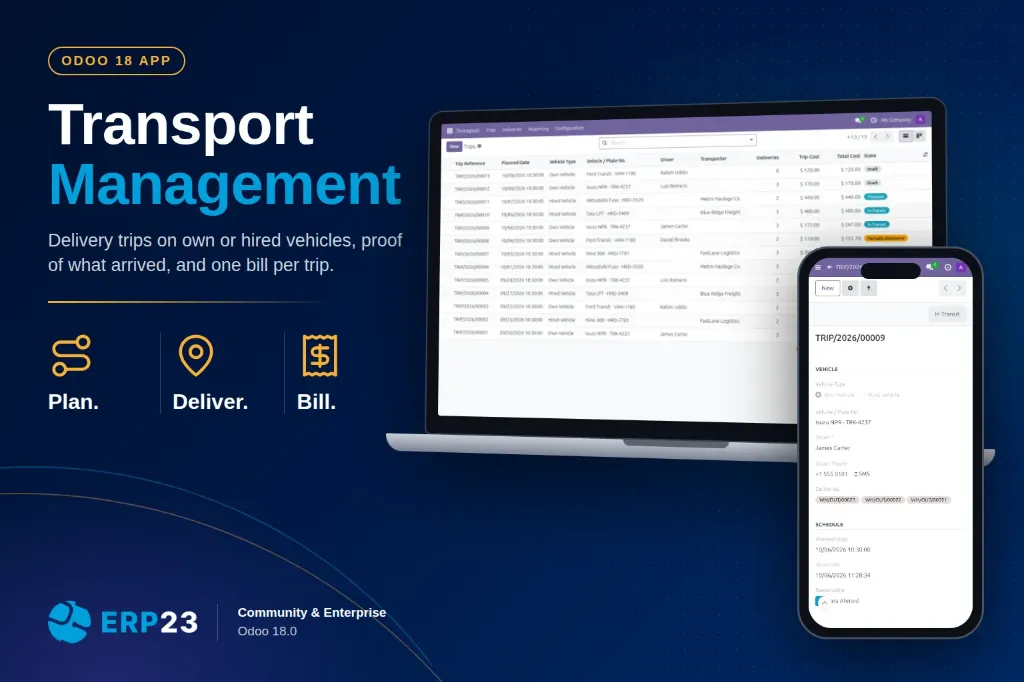
All trips with vehicle, driver or transporter, cost and status

Trips by status on the kanban board

Draft trip: pick the deliveries and the trip lines fill in automatically

Add several delivery orders to a trip straight from the Deliveries list

Trip in transit with the driver, departure time and deliveries

Confirm Delivery: enter what the customer received, the shortfall goes back to stock

Partially delivered trip with its returns and the vendor bill to the transporter

Hired trip delivered: additional costs, total cost and Create Vendor Bill

Vendor bill to the transporter: the trip cost plus every additional cost

Own vehicle trip billed to its driver

Every delivery order shows the trip carrying it

Trip Costs report grouped by cost type

Cost types: service products with a default cost and an expense account

| Versions | 18.0, 19.0, 20.0 |