A storefront home screen
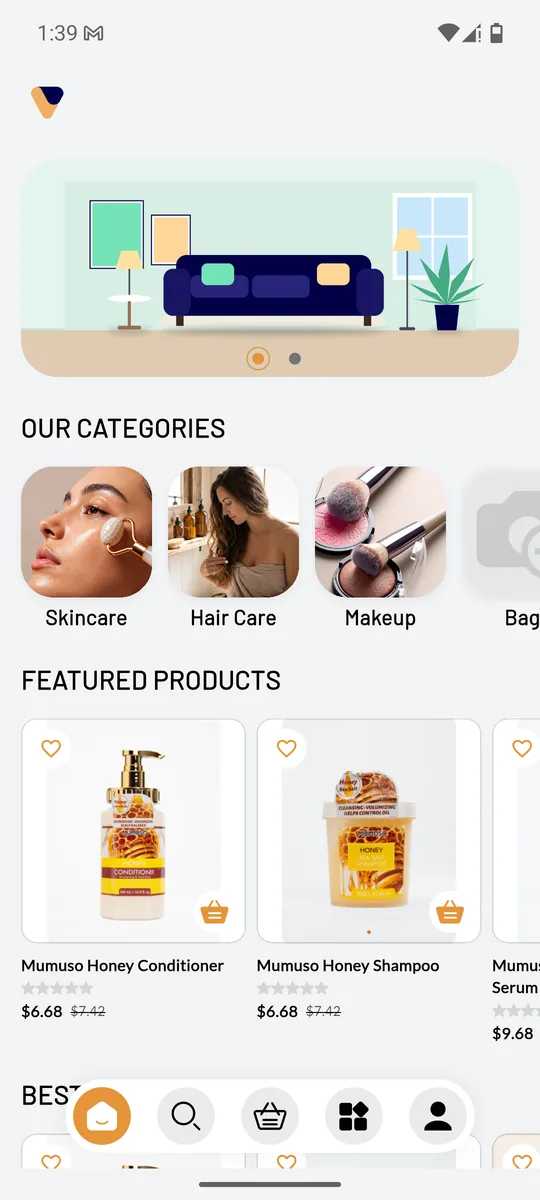
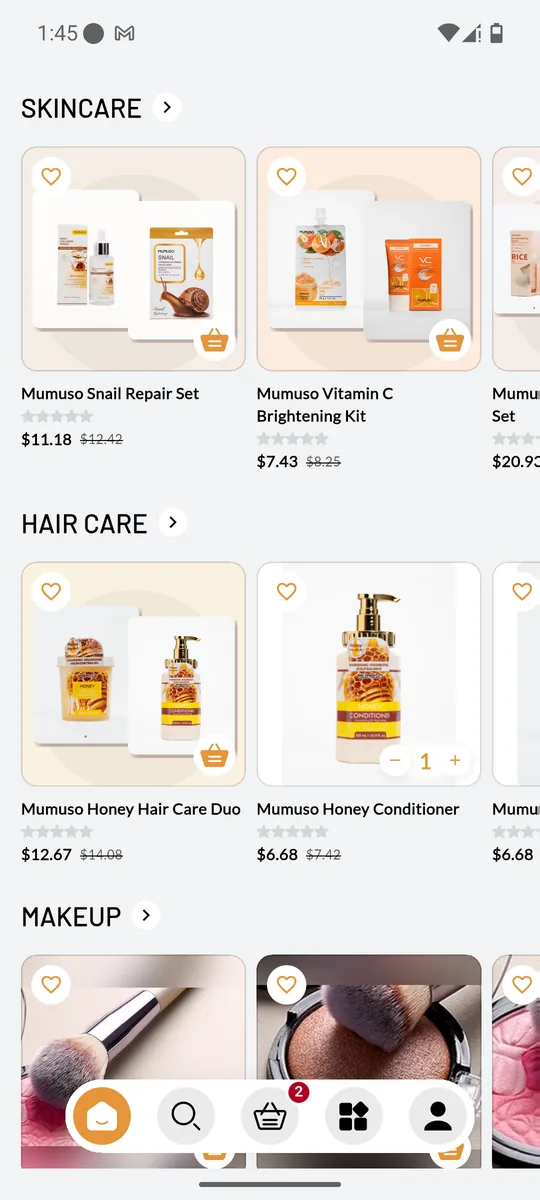
Banner carousel, category tiles, featured products and a row for every collection, with a bottom bar for home, search, cart, categories and account.

OCart23 gives your Odoo eCommerce customers a fast, thumb-friendly app for browsing categories, searching, comparing and buying.
 Built by ERP23, Brain Station 23's Odoo team
Browse, filter, search, compare, save and check out. Every step of the Odoo store, redesigned as native screens.
Banner carousel, category tiles, featured products and a row for every collection, with a bottom bar for home, search, cart, categories and account.
A dedicated category screen with sub-categories, plus product lists with filter and sort.
Quantity controls, promo or gift card codes, sub-total, tax and total, then checkout.
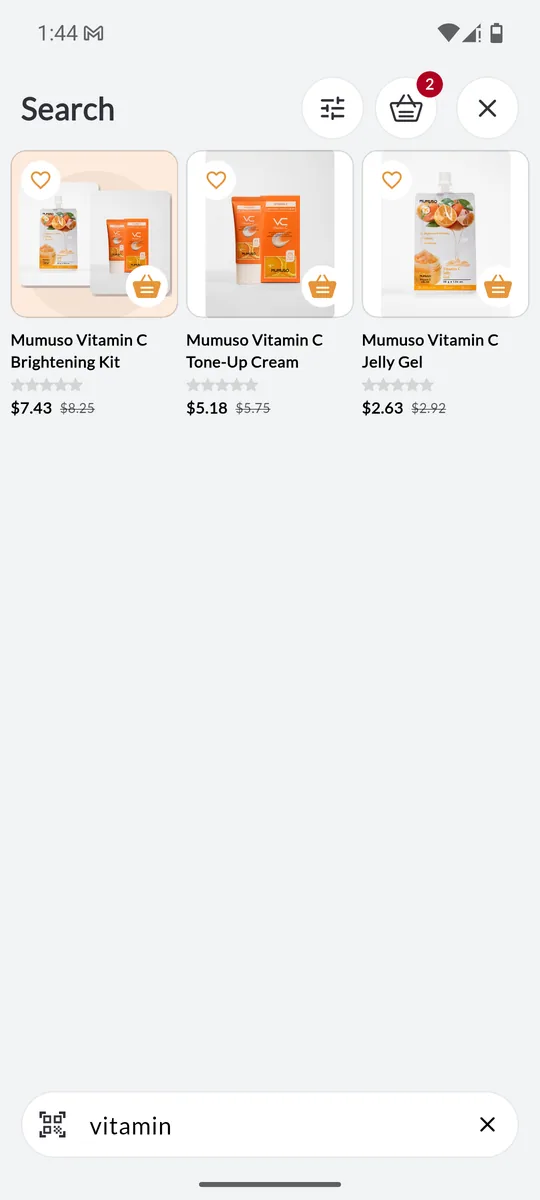
Shoppers type a few letters and get matching products as a grid with prices and add-to-cart.
Add items to compare from the product page and review them side by side from the account area.
Save favourites, return to recently viewed products, and read ratings and reviews before buying.
OCart23 is built around how an Odoo eCommerce store is organised, from categories to cart.
Main categories, sub-categories and product lists with filter and sort.
Categories · Sub-categories · Filter · SortSale and original prices, availability, ratings and reviews on every product page.
Pricing · Availability · ReviewsQuantity updates, promo or gift card codes, and tax shown before the total.
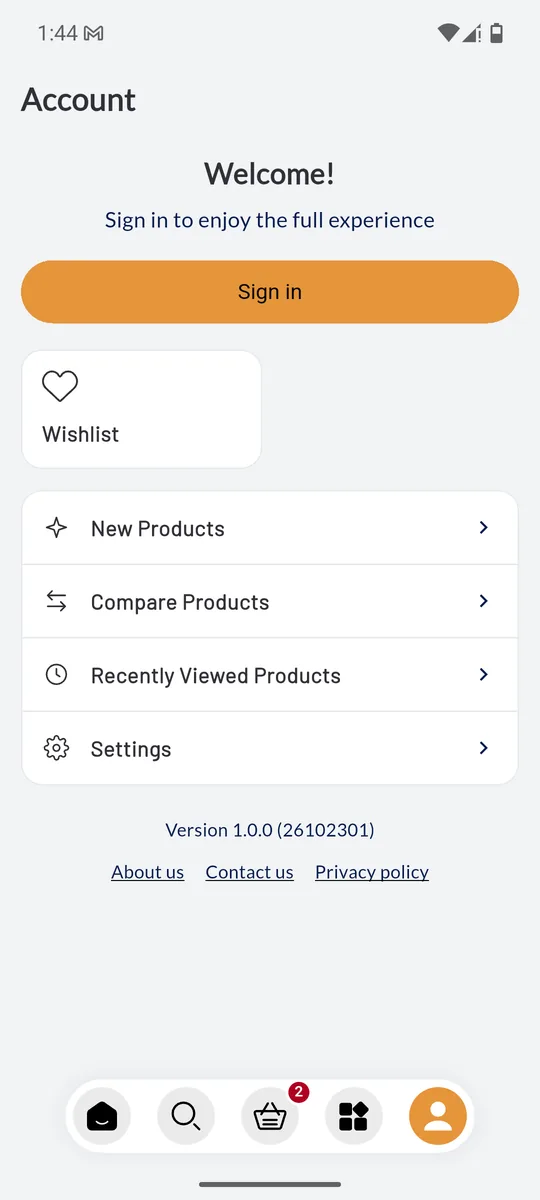
Cart · Promo codes · Gift cards · TaxSign in, wishlist, compare, new products and recently viewed, all in one account area.
Account · Wishlist · Compare · Recently viewedAbout us, contact and privacy policy links are part of the account screen.
About · Contact · Privacy policyOCart23 is the app. Pair it with an ERP23 storefront theme for the web, so shoppers see the same catalogue, prices and promotions wherever they buy.
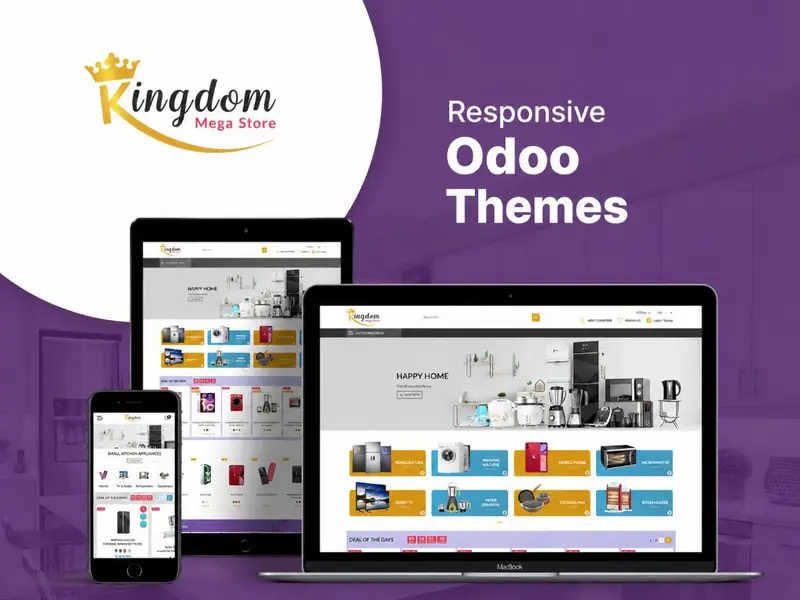
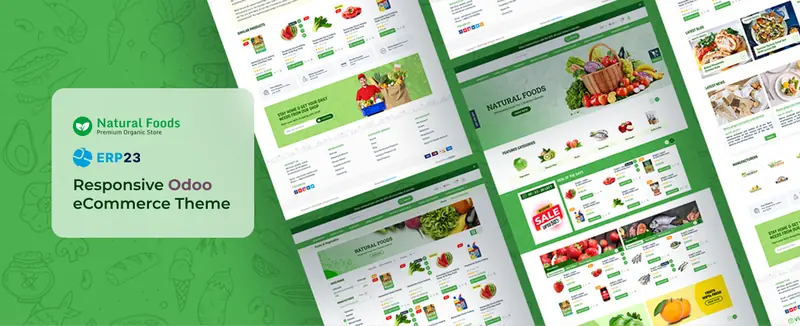
Every theme is published by ERP23 on the official Odoo Apps Store.
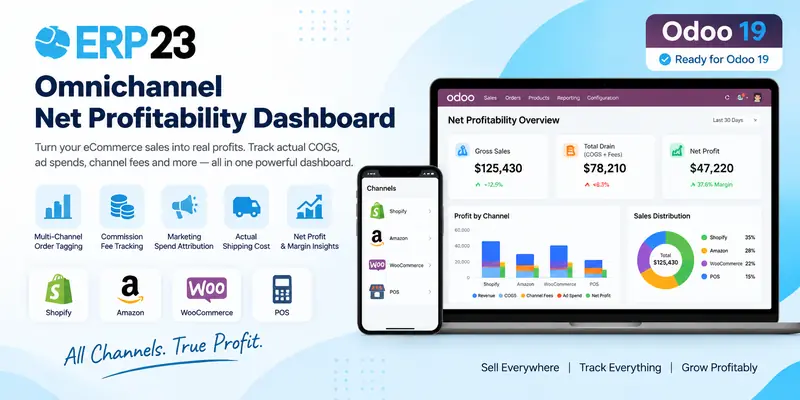
Browse all ERP23 themesStock, returns, B2B buyers, customer messages and profit reports run in the same Odoo database as your app and website, with ERP23 modules built for eCommerce.
130+ ERP23 modules on the Odoo Apps Store, for sales, inventory, accounting, HR and more.
Browse all ERP23 modulesAndroid and iOS come from the same source, so the build, the testing and every future change stay on one track, next to the Odoo store you already run.
What Odoo merchants usually ask before putting their store in an app.
Ask our teamOCart23 is built in Flutter, so one codebase produces apps for Android and iOS.
OCart23 is made for Odoo eCommerce. Shoppers browse your Odoo store's categories and products in a native app.
Yes. The cart has a field for promo or gift card codes, and shows the sub-total, tax and total before checkout.
Yes. Products can be added to a wishlist or to compare, and the account area keeps compared, new and recently viewed products one tap away.
Through category tiles on the home screen, a category browser with sub-categories, product lists with filter and sort, and search.
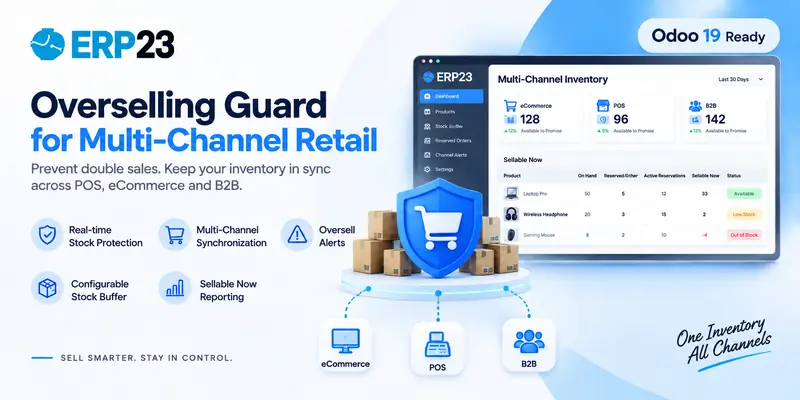
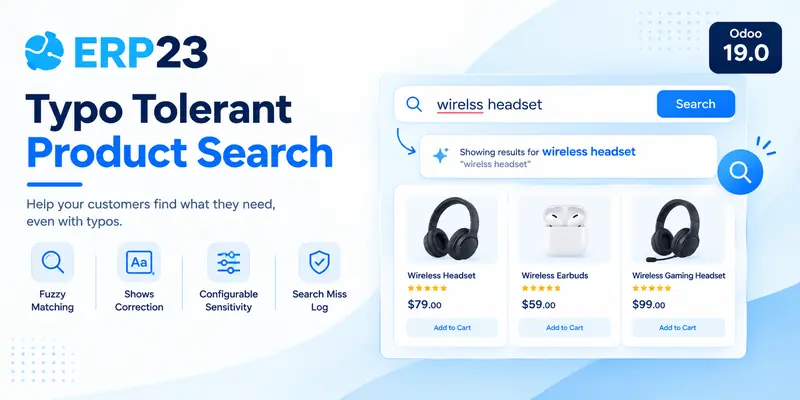
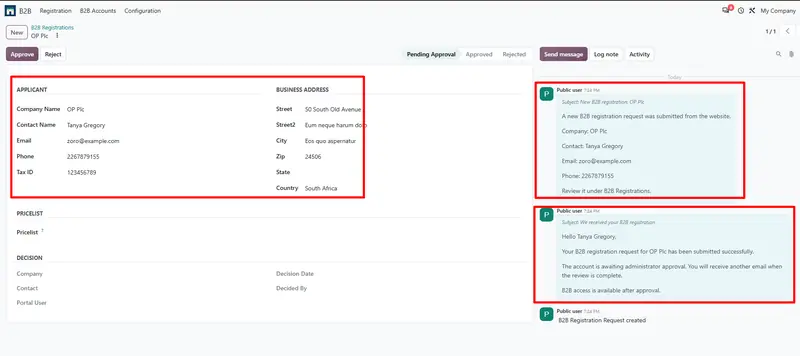
Yes. ERP23 publishes Odoo website themes such as Kingdom, Mumuso, OUNO and Natural Foods, plus eCommerce modules for inventory sync, returns, B2B, search and profit reporting, all on the Odoo Apps Store.
Walk through OCart23 with our team and see how your catalogue and categories would look as a native app. Or install it now from Google Play.
OCart23 gives your Odoo eCommerce customers a fast, thumb-friendly app for browsing categories, searching, comparing and buying.
Built by ERP23, Brain Station 23's Odoo teamBrowse, filter, search, compare, save and check out. Every step of the Odoo store, redesigned as native screens.
Banner carousel, category tiles, featured products and a row for every collection, with a bottom bar for home, search, cart, categories and account.
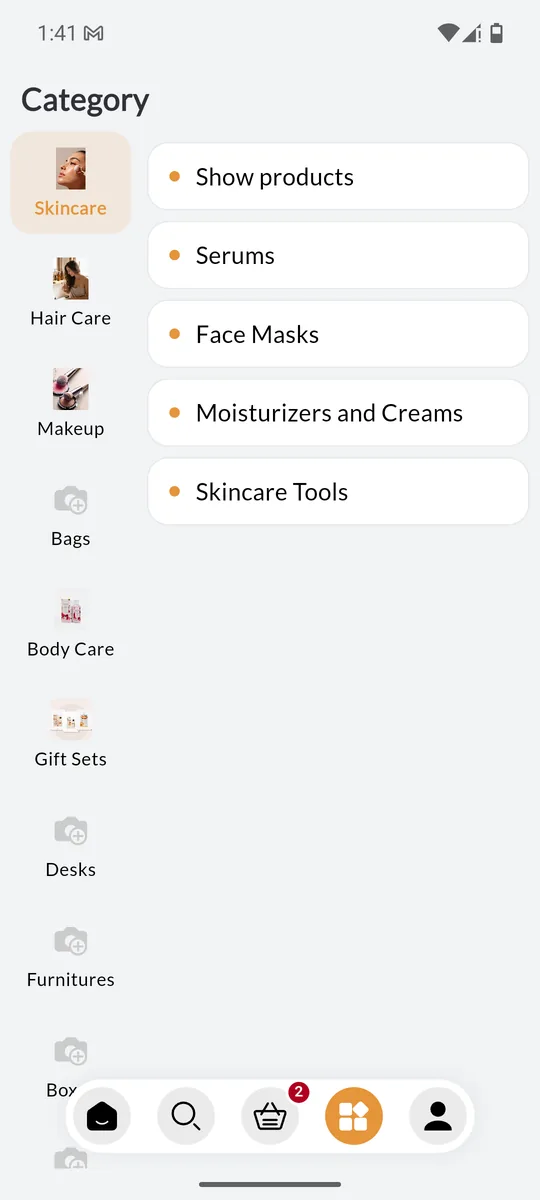
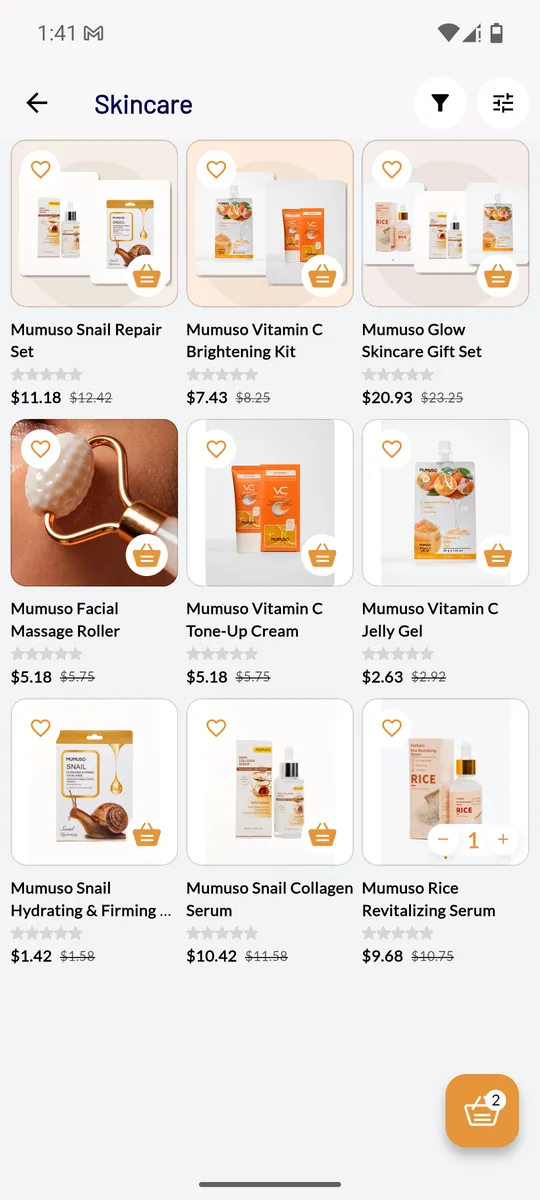
A dedicated category screen with sub-categories, plus product lists with filter and sort.
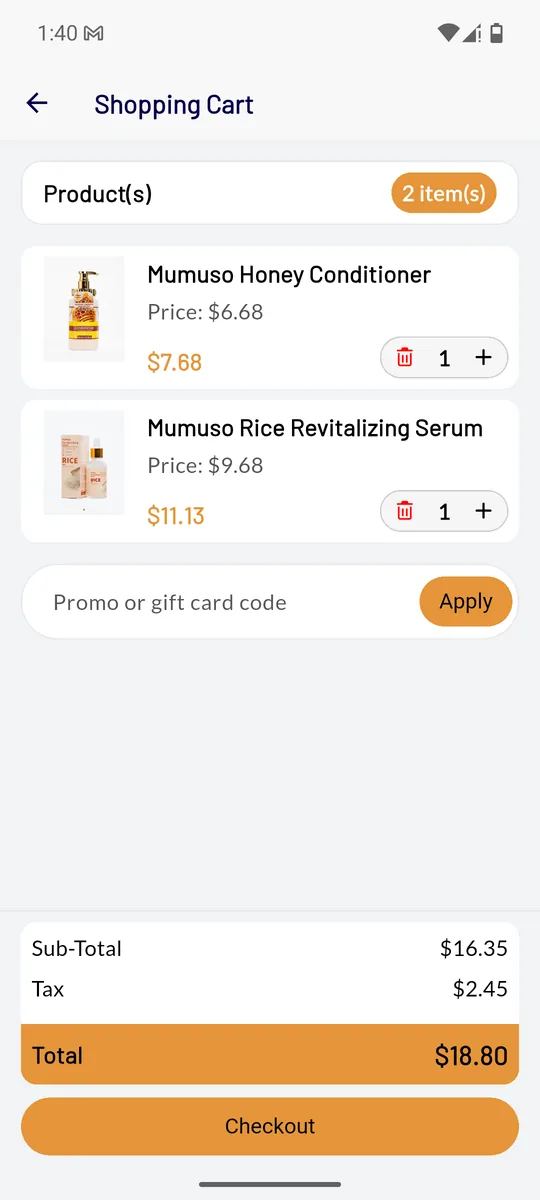
Quantity controls, promo or gift card codes, sub-total, tax and total, then checkout.
Shoppers type a few letters and get matching products as a grid with prices and add-to-cart.
Add items to compare from the product page and review them side by side from the account area.
Save favourites, return to recently viewed products, and read ratings and reviews before buying.
OCart23 is built around how an Odoo eCommerce store is organised, from categories to cart.
Main categories, sub-categories and product lists with filter and sort.
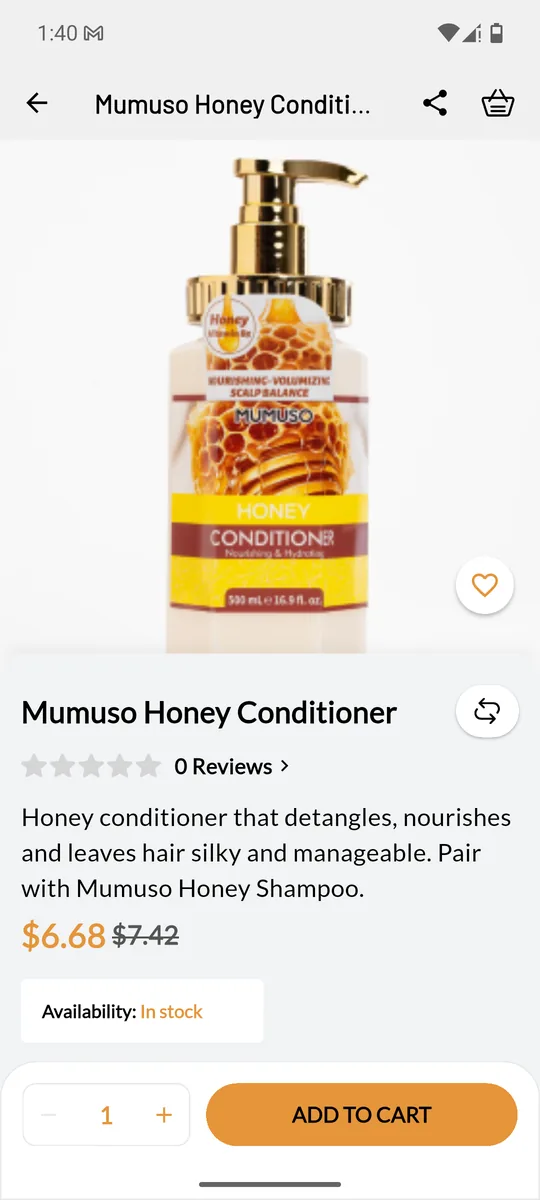
Categories · Sub-categories · Filter · SortSale and original prices, availability, ratings and reviews on every product page.
Pricing · Availability · ReviewsQuantity updates, promo or gift card codes, and tax shown before the total.
Cart · Promo codes · Gift cards · TaxSign in, wishlist, compare, new products and recently viewed, all in one account area.
Account · Wishlist · Compare · Recently viewedAbout us, contact and privacy policy links are part of the account screen.
About · Contact · Privacy policyOCart23 is the app. Pair it with an ERP23 storefront theme for the web, so shoppers see the same catalogue, prices and promotions wherever they buy.
Every theme is published by ERP23 on the official Odoo Apps Store.
Browse all ERP23 themesStock, returns, B2B buyers, customer messages and profit reports run in the same Odoo database as your app and website, with ERP23 modules built for eCommerce.
130+ ERP23 modules on the Odoo Apps Store, for sales, inventory, accounting, HR and more.
Browse all ERP23 modulesAndroid and iOS come from the same source, so the build, the testing and every future change stay on one track, next to the Odoo store you already run.
What Odoo merchants usually ask before putting their store in an app.
Ask our teamOCart23 is built in Flutter, so one codebase produces apps for Android and iOS.
OCart23 is made for Odoo eCommerce. Shoppers browse your Odoo store's categories and products in a native app.
Yes. The cart has a field for promo or gift card codes, and shows the sub-total, tax and total before checkout.
Yes. Products can be added to a wishlist or to compare, and the account area keeps compared, new and recently viewed products one tap away.
Through category tiles on the home screen, a category browser with sub-categories, product lists with filter and sort, and search.
Yes. ERP23 publishes Odoo website themes such as Kingdom, Mumuso, OUNO and Natural Foods, plus eCommerce modules for inventory sync, returns, B2B, search and profit reporting, all on the Odoo Apps Store.
Walk through OCart23 with our team and see how your catalogue and categories would look as a native app. Or install it now from Google Play.